
Rutba Office: eleven free, open-source office apps for Windows, in one download
Rutba Office is a free, open-source office suite for Windows: eleven apps in one download, from documents and spreadsheets to PDFs, mail, video and live streaming. There is no account to make, it works offline, and it is free for home and business.
· 5 min read

Rutba Office is a desktop office suite for Windows that anybody can download and use, at home or at work, without paying and without making an account. Its source code is public under the AGPL. Version 2.0 came out on 15 October, and new releases have followed every day or two since, each one tested before it goes out and described in full on its release page.
A 100-second introduction, edited in Rutba Office’s own Video app. It was made just before Recorder joined as the eleventh app.
Eleven apps in one download
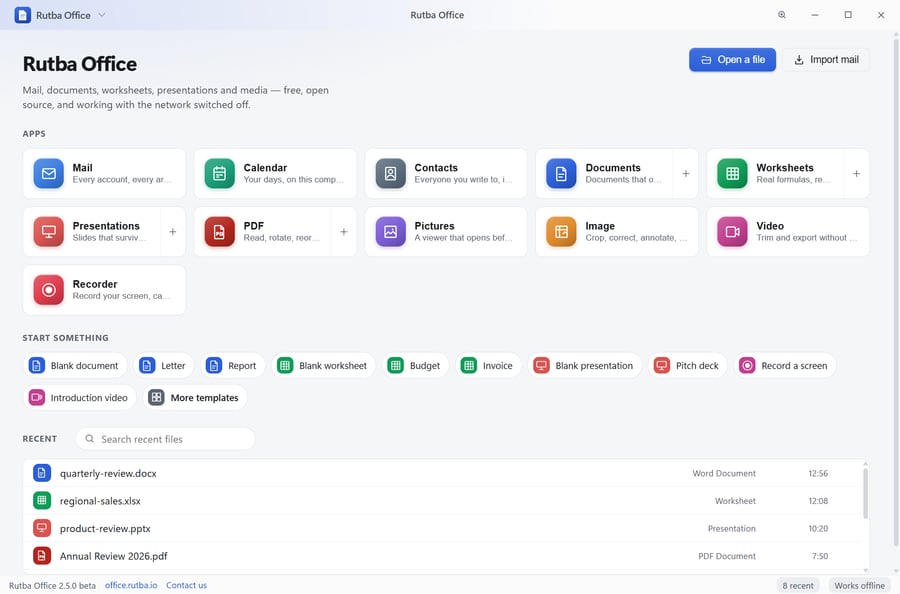
One installer gives you Documents, Worksheets and Presentations for Word, Excel and PowerPoint files; PDF for reading, filling, signing and redacting PDFs; Mail, Calendar and Contacts; Pictures, a fast photo viewer; Image, an editor with layers; Video, an editor and player; and Recorder, which records your screen, camera and voice as one finished video and can stream it live. They open from one launcher, which also starts a blank document, a template or a screen recording.
Office files, kept as Office writes them
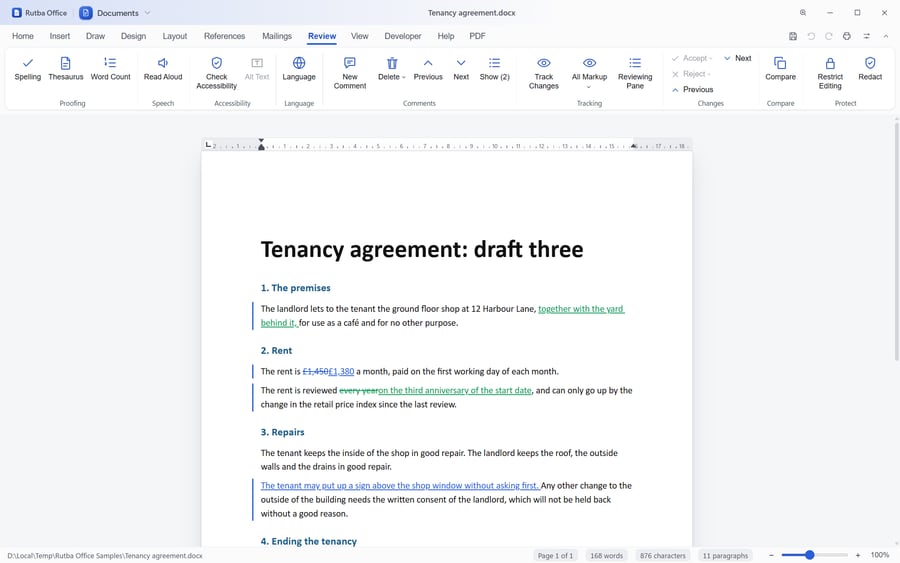
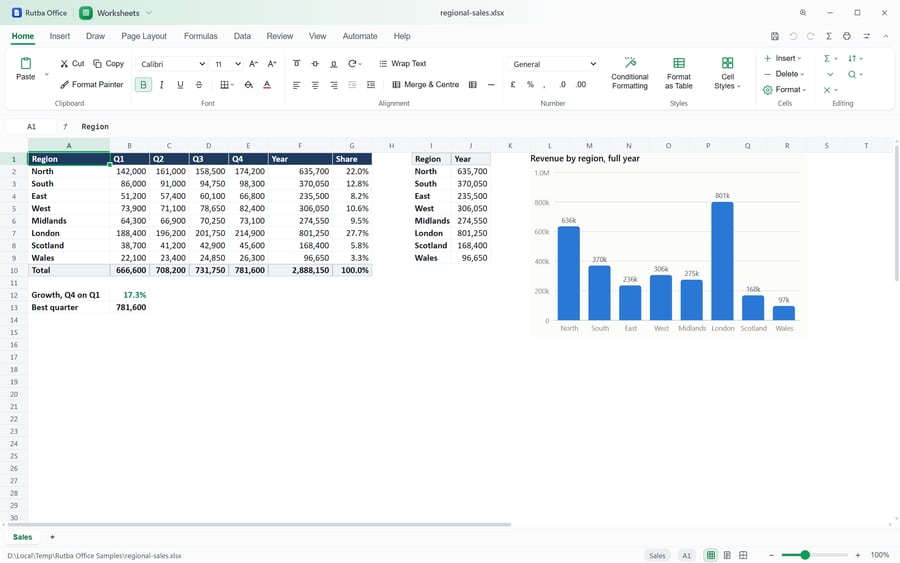
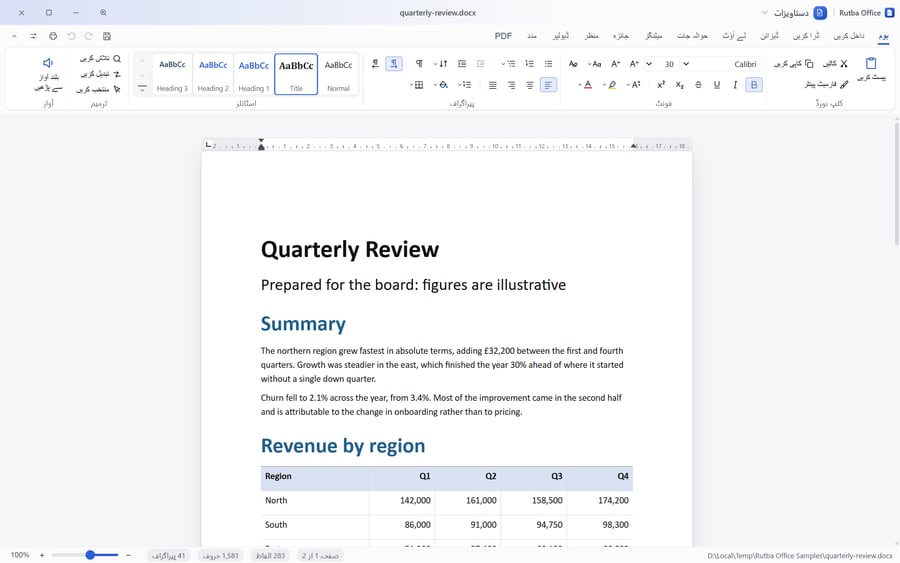
Documents, Worksheets and Presentations read and write .docx, .xlsx and .pptx, open old .doc, .xls and .ppt files in full, and handle OpenDocument. When you change a file, only the parts you changed are written again, so a document sent back to somebody who uses Microsoft Office arrives as they expect. The ribbons follow Office’s own, tab for tab, so there is little to relearn.
The editors go further than the basics: tracked changes and Compare, forms, mail merge, tables of contents and indexes in Documents; a real calculation engine with Excel 365’s newer functions, PivotTables and charts in Worksheets; and slide shows you can draw on in Presentations.
Where it already goes further than the free alternatives
Outlook archives without Outlook
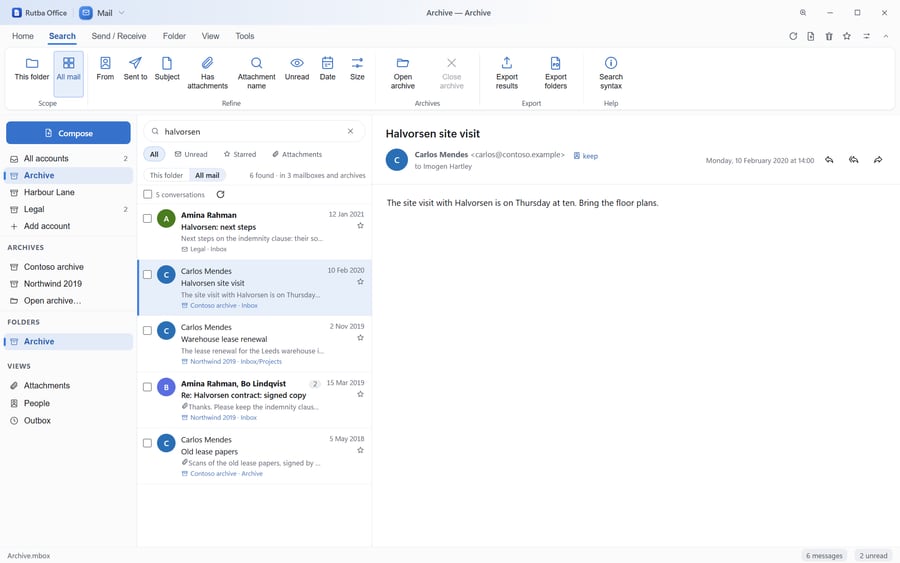
Mail opens Outlook’s .pst and .ost files and Outlook for Mac’s .olm where they lie, without Outlook installed. One search covers every archive and every account at once, and a folder can be exported for legal hold with a checksum for every message.
A PDF app that redacts properly
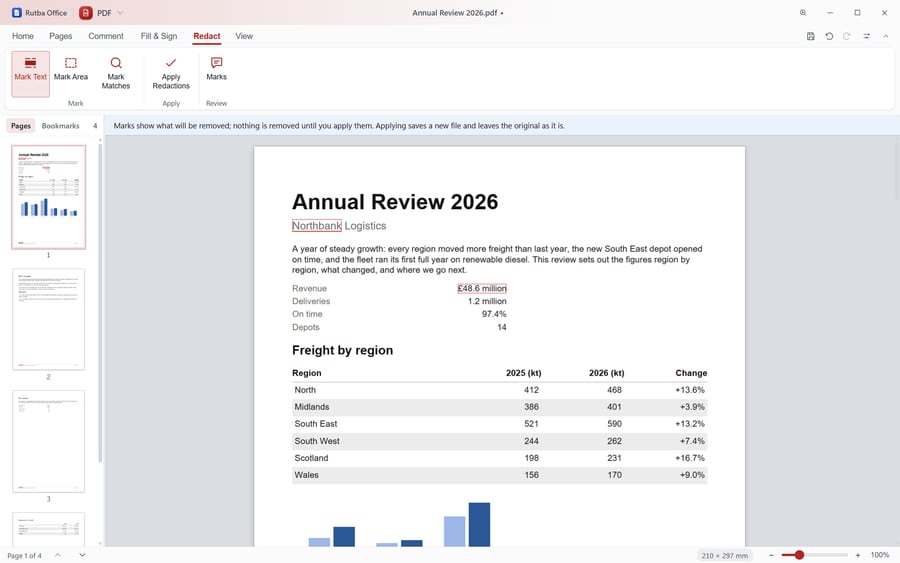
The PDF app puts pages in order, comments, fills and signs forms, and redacts. Redaction takes the marked words out of the file itself and out of its properties, bookmarks and comments, and saves a new file, rather than drawing a black box over words that are still there.
Text recognition on your own computer
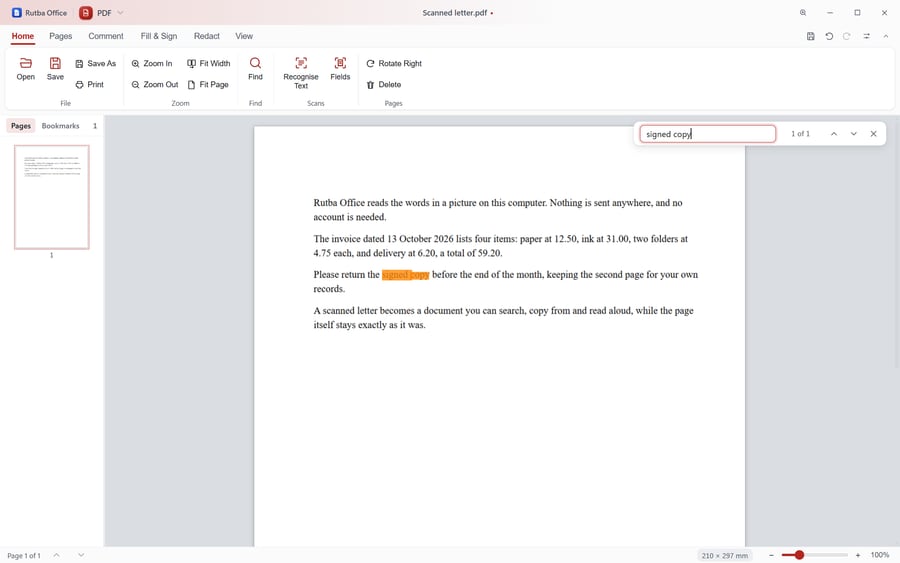
Recognise Text reads scanned pages in English, Urdu, Arabic, Hindi, Chinese and Japanese, and nothing is uploaded to do it. A scanned letter becomes searchable while the page stays exactly as it was, and in Worksheets a pile of receipts becomes a row each.
Images, video and screen recording
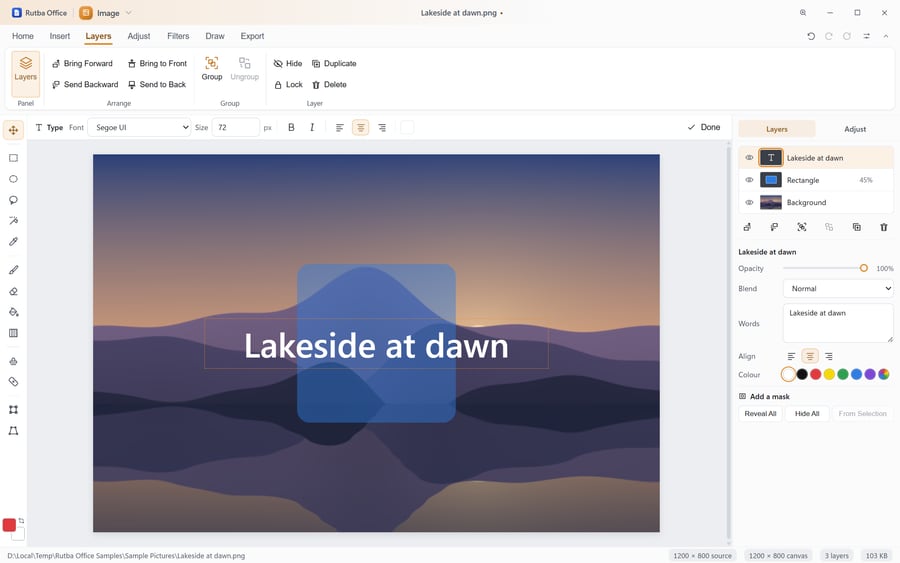
Image has layers, selections, masks and text you type on the picture. Video edits on a timeline of tracks, records a screen, a window or a region with your camera and microphone, and exports MP4 with your computer’s own hardware at about twice real time.
Record, and stream live
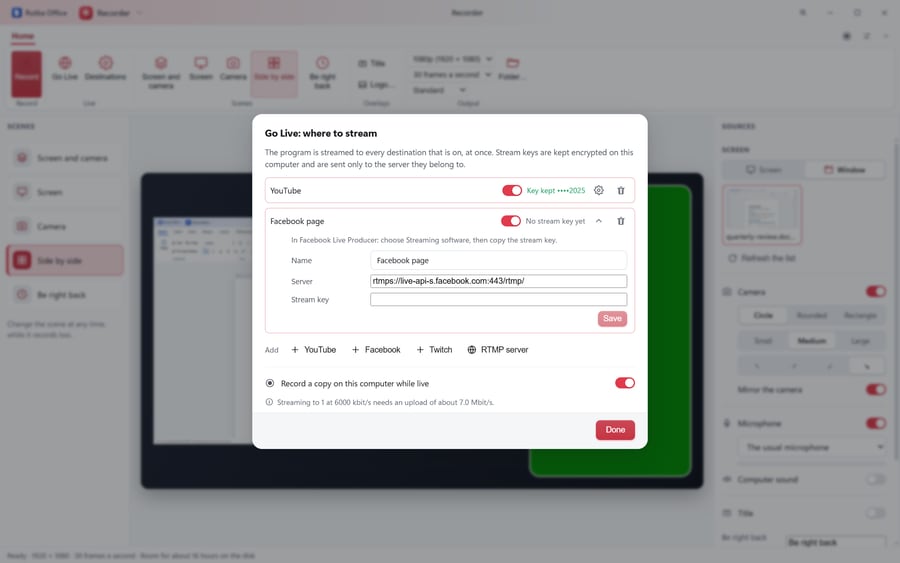
Recorder, the eleventh app, records your screen, camera and voice as one finished video, from scenes you can change while it records, with your name and logo on the picture. Go Live streams the same picture to YouTube, Facebook, Twitch or any RTMP server at once, keeps a copy on your computer, and keeps your stream keys encrypted there. Nothing connects until you press Go Live.
For everybody who uses it
Every app is audited against WCAG 2.2 at levels A and AA at each release, works from the keyboard alone, tells a screen reader what is in the document and follows Windows High Contrast. The interface speaks English, Urdu, Arabic and Hindi, with right-to-left layout throughout.
Private by design
There is no account, no sign-in and no telemetry. Rutba Office makes two requests of its own, and says so on its privacy page: a check for a newer release, and a daily check for announcements that carries only the version and the name of the operating system. Either can be turned off. Your documents never leave your computer unless you send them, and Mail shows messages without running anything in them, warning before it opens a link that looks like a trap.
Tested before every release
Each release runs the engine’s tests, then checks that drive the real windows the way a person would, pressing ribbon buttons and reading what appears. Fuzzers feed thousands of deliberately damaged files and PDFs to make sure each one opens or is refused with a sentence, never a crash. The release page says what ran and what passed.
The Tour shows each app at work, and the source is on GitHub.
Download Rutba Office
Eleven apps for Windows, free for home and business, with no account and no telemetry.
Download

